KALIKI
LABS
PDF & OCR Document Scanner. Offline-first by design.
SmartScan turns your phone into a fast, private document scanner. Capture documents with auto edge detection, run on-device OCR to extract text, build multi-page PDFs with AES password protection, and lock the app behind biometrics or a PIN, all without sending a single byte to a remote server.
We built SmartScan for people who scan things they'd rather not upload to a stranger's cloud: tax returns, IDs, contracts, handwritten notes. Everything stays on your phone, full stop.
Real app screenshots from Google Play Store.
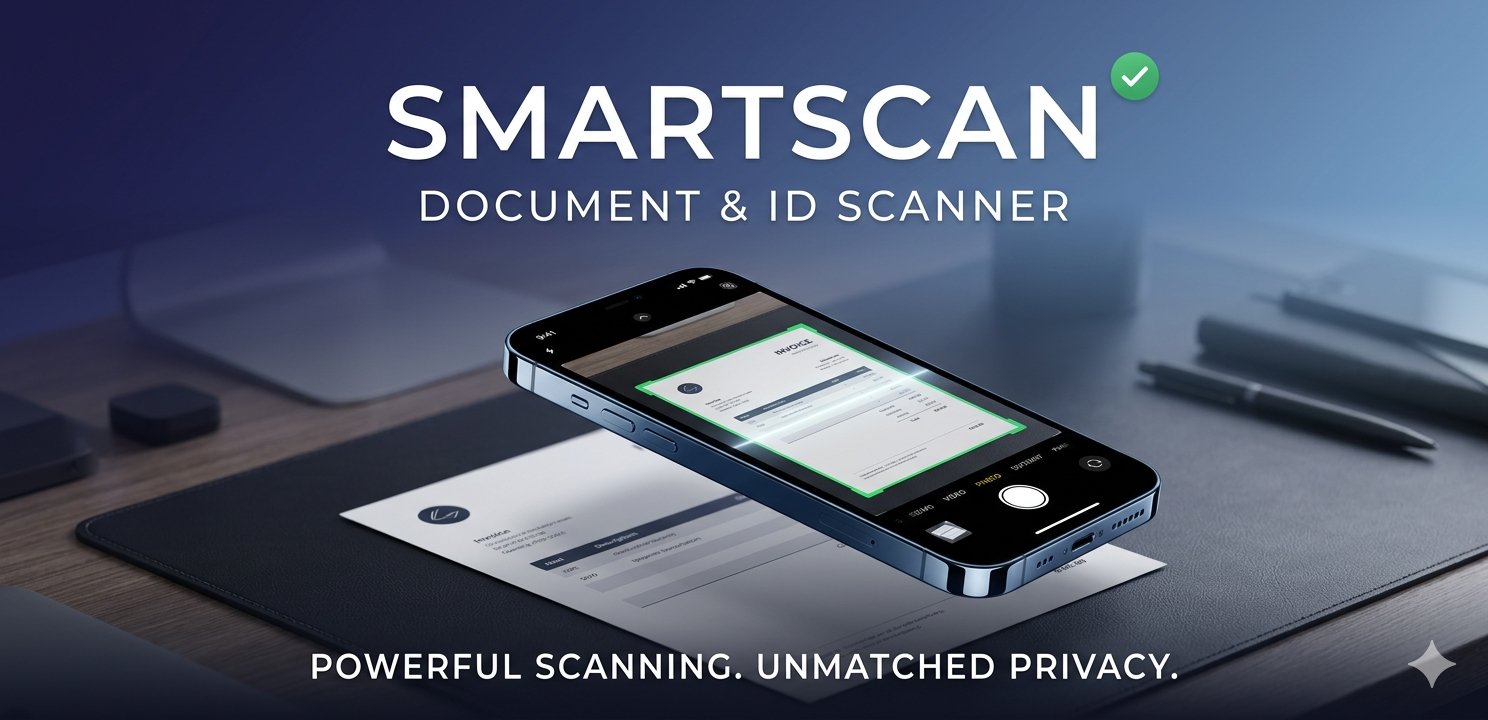
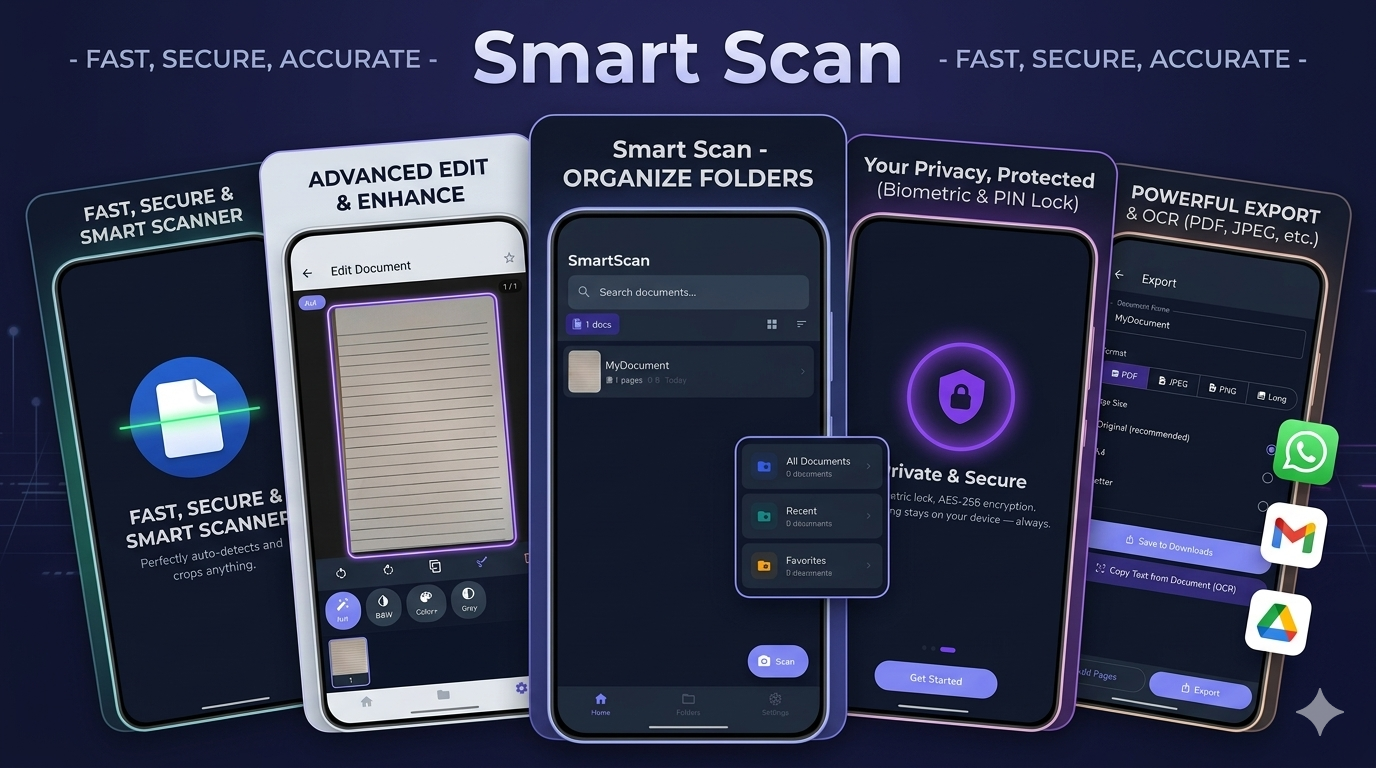
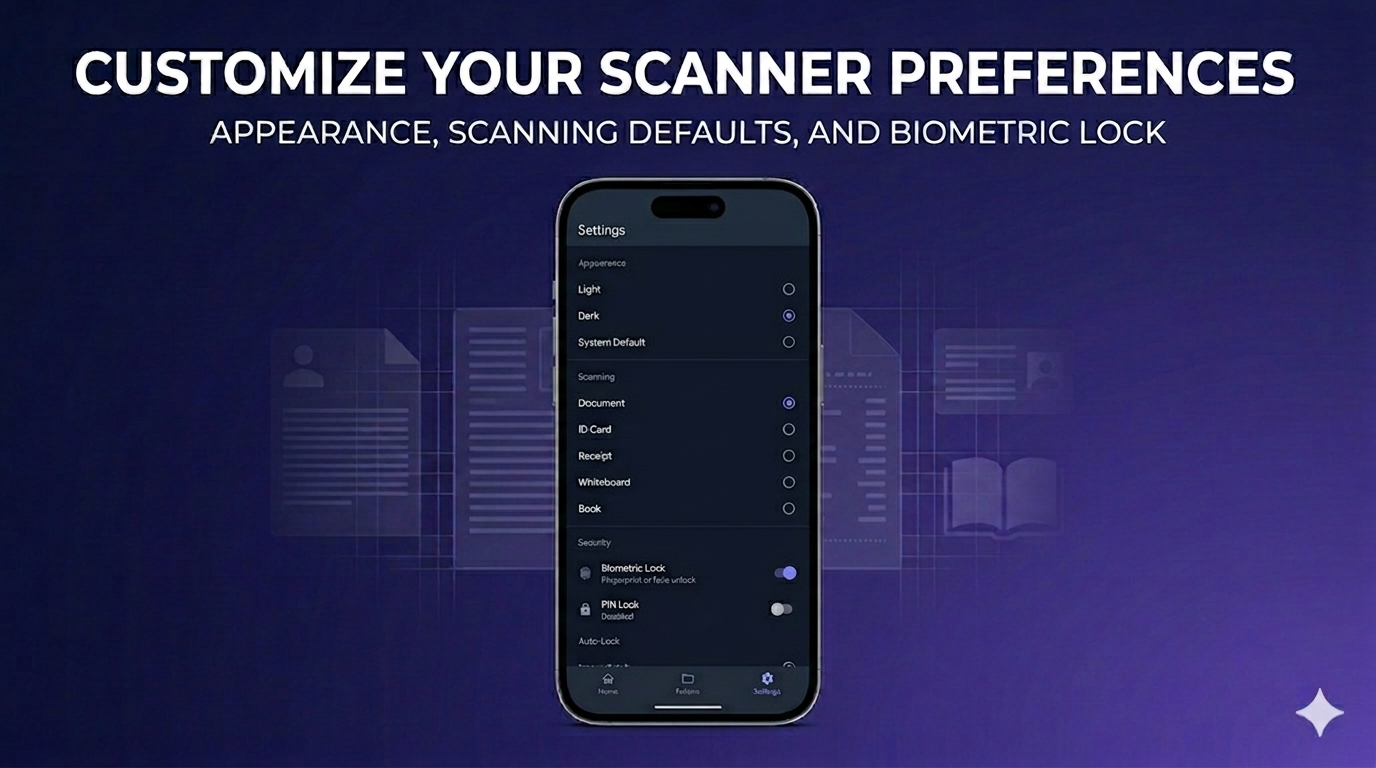
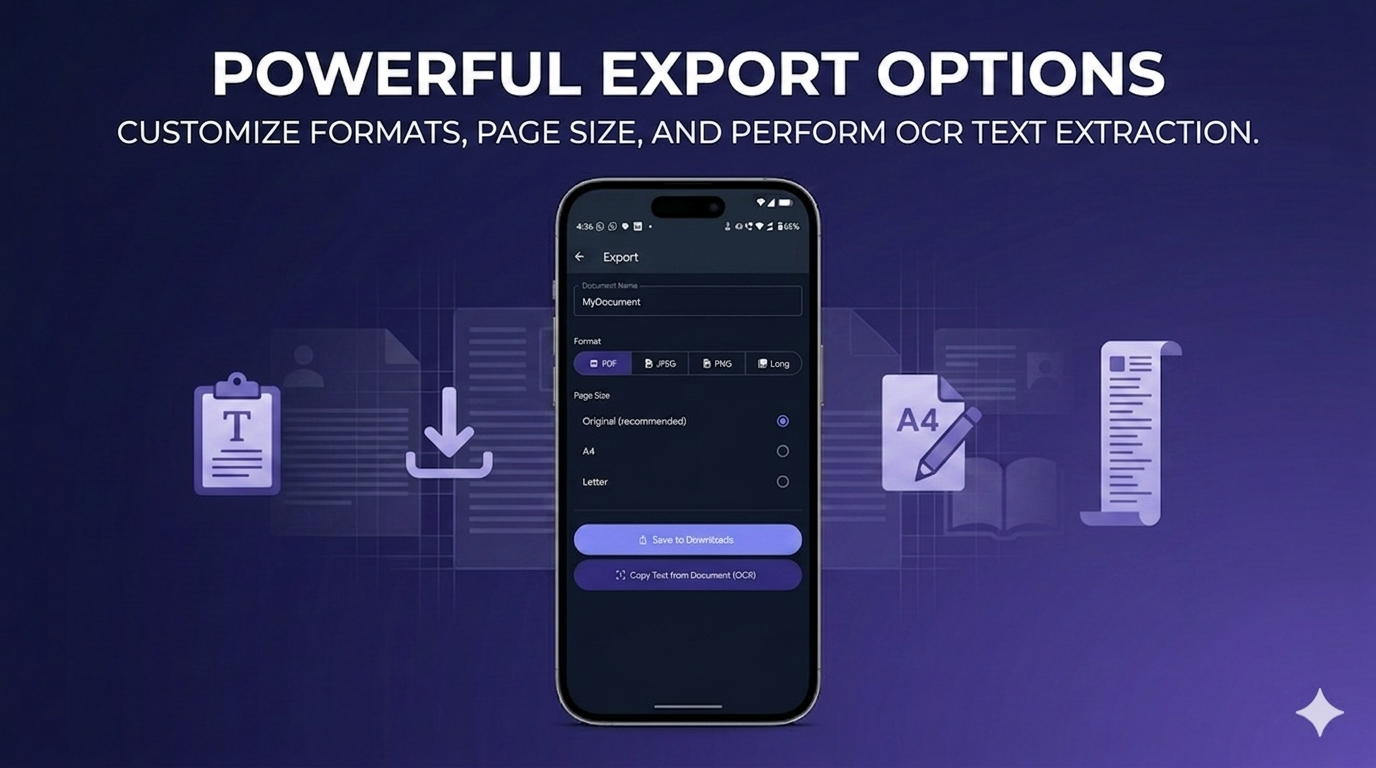
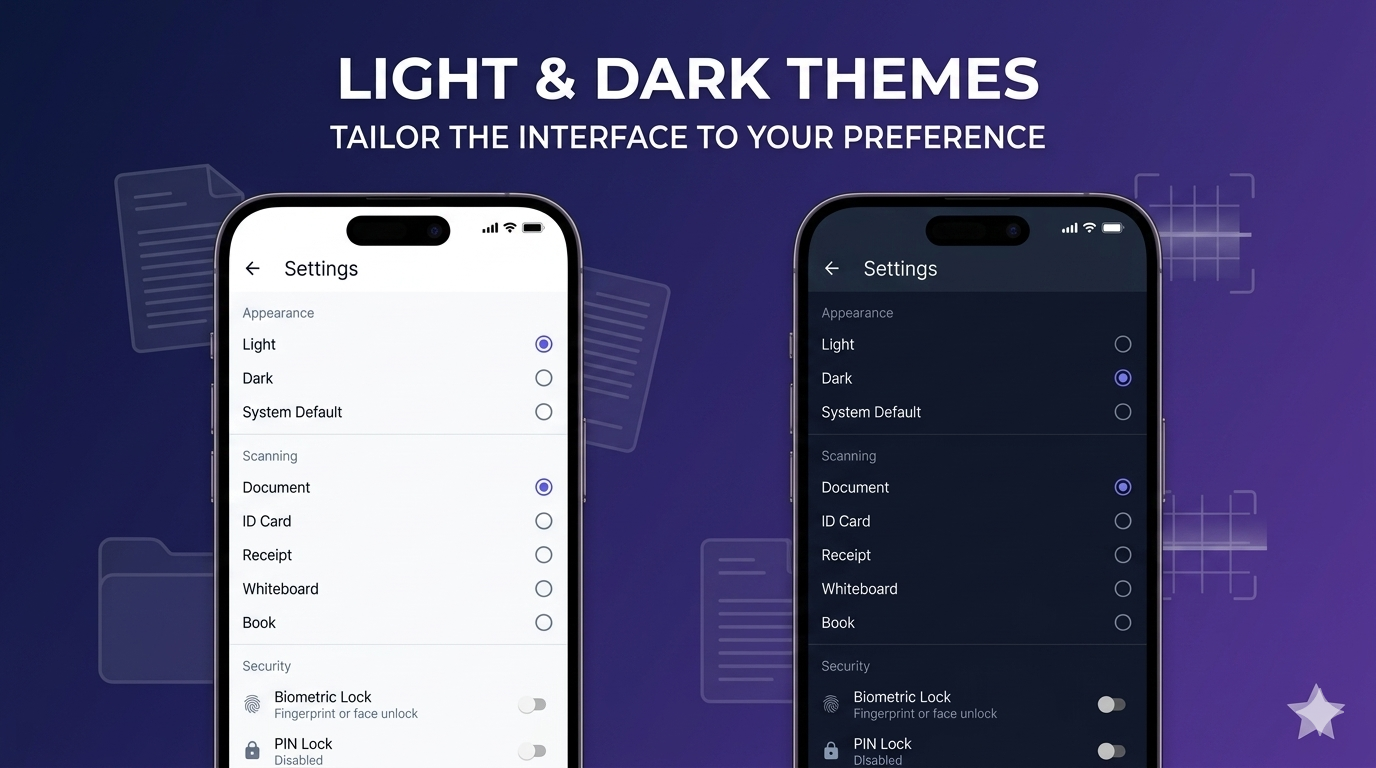
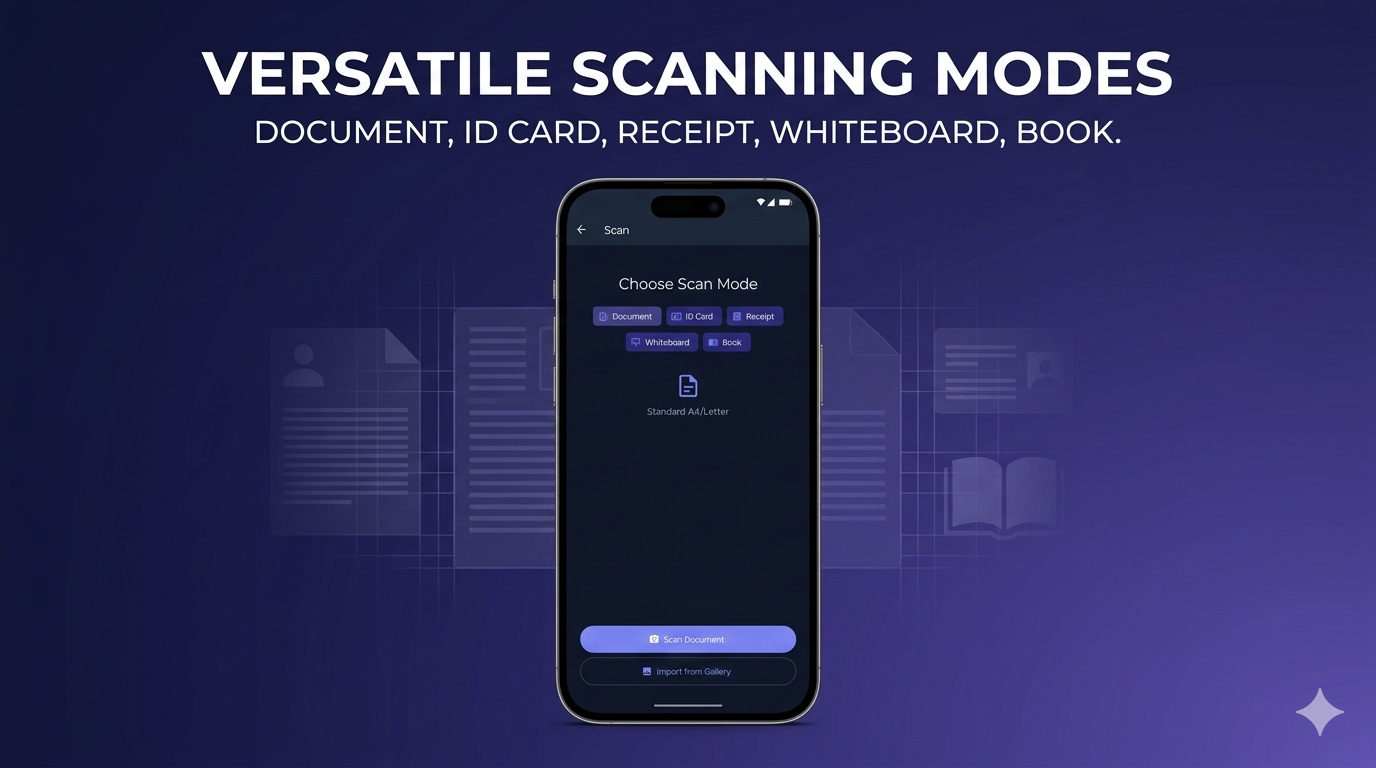
Screenshots from Google Play Store
Auto, document, photo, B&W, grayscale, pick the right output for the job. Edges detected automatically.
Pull text out of any scan with on-device OCR. Copy, search or export, the source image never leaves your phone.
Real AES-encrypted PDFs that any reader (Adobe, Chrome, Drive, our own viewer) can open with the password.
Optional app lock backed by Android's BiometricPrompt or a 4-digit PIN. Sensitive scans stay sensitive.
No accounts, no cloud sync, no telemetry. The internet is only used to load ads, that's it.
Boots in under a second on entry-level phones. Runs smoothly on Android 8 onwards.
A short summary of every piece of data this app does, and does not, touch.
SmartScan shows banner and interstitial ads via the Google Mobile Ads SDK. AdMob collects standard advertising data needed to deliver and measure ads:
You can opt out of personalised ads any time in Settings → Privacy → Ads on your phone. AdMob's data handling is governed by Google's privacy policy.
SmartScan does not use Google/Firebase Analytics, Crashlytics, Sentry, or any attribution SDK. We do not run any backend, database or cloud storage of our own. We do not request location, contacts, microphone, calendar or SMS permissions.
Read SmartScan privacy policyFree on Google Play. No accounts, no waitlist, no setup.